


Blog
How to Use a 510 Vape Battery: Setup, Preheating and Basic Maintenance

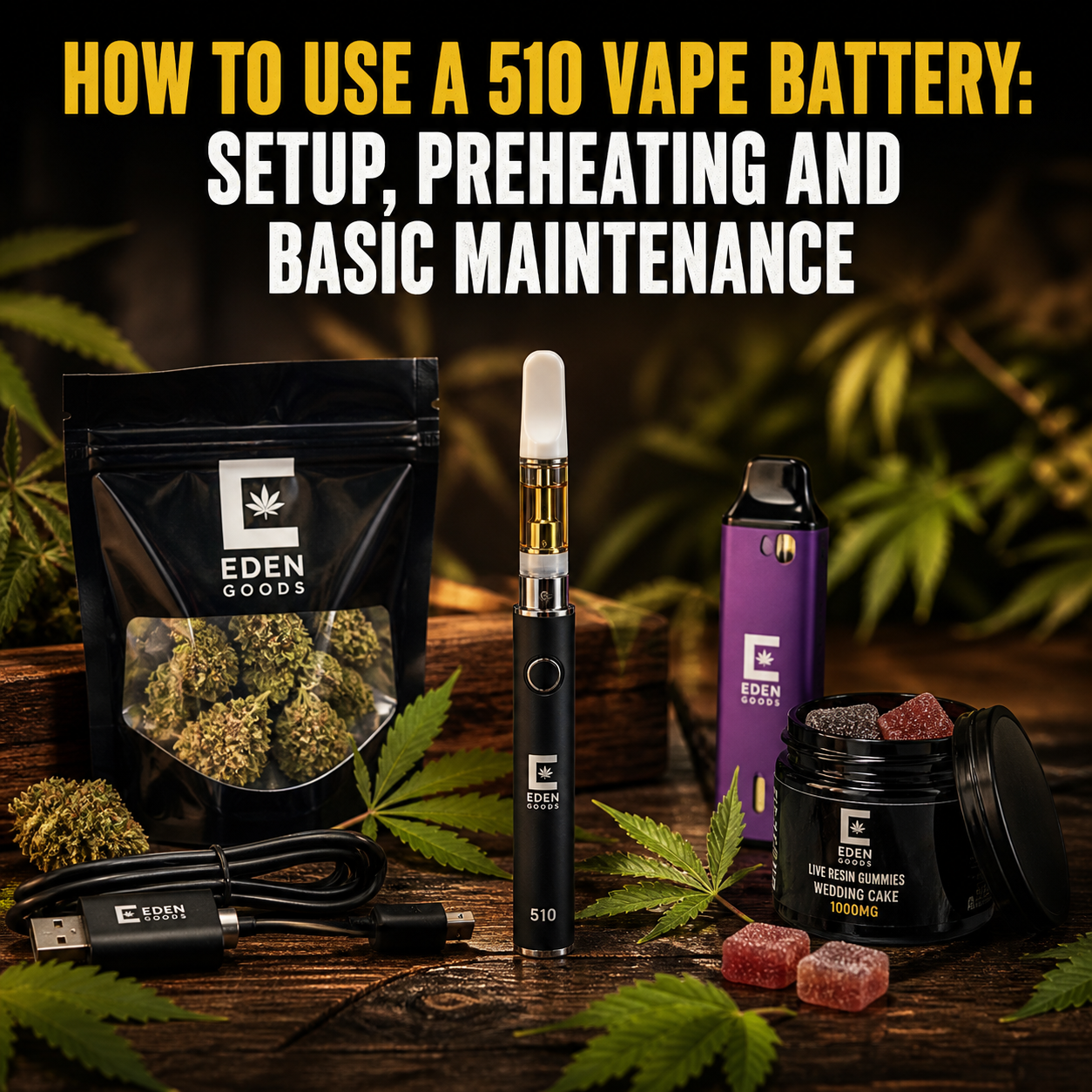
How to Use a 510 Vape Battery: Setup, Preheating and Basic Maintenance
Learning how to use a 510 vape battery is usually straightforward. Charge the battery, attach a compatible cartridge, select a low voltage if the device has adjustable settings, and activate it according to the manufacturer’s instructions. The exact process depends on whether you have a button-operated or draw-activated model.
Small differences matter. Overtightening a cartridge can damage the connection. Excessive voltage may overheat the oil or produce an unpleasant burnt taste. Incorrect charging can also shorten battery life. This guide explains each step clearly, from identifying your device to cleaning, storage and troubleshooting.
Only adults of legal age should use cannabis vaping products, and only where possession and use are permitted. Follow local laws and the instructions supplied with your battery and cartridge. Vaping is not risk-free. If cannabis causes concerning symptoms or you have questions about its suitability for your health, speak with a qualified healthcare professional.
What Is a 510 Vape Battery?
A 510 vape battery is a rechargeable power unit designed to work with many screw-on vape cartridges. The term 510 refers to the widely used threaded connection between the battery and cartridge. A compatible cartridge screws into the top of the battery, allowing the battery to power the cartridge’s heating element.
The battery does not contain cannabis oil. That material sits inside the attached cartridge. When activated, the battery sends power to the cartridge coil. The coil heats the contents and creates an aerosol that the user inhales through the mouthpiece.
Although 510 threading is common, physical compatibility does not guarantee that every battery will suit every cartridge. Cartridges may have different airflow needs, resistance levels and recommended voltage ranges. Always check the instructions for both components.
Main Types of 510 Batteries
| Battery type | How it activates | What to know |
| Button-operated | Press and hold a button while inhaling | May include voltage control, preheat and locking functions |
| Draw-activated | Activates when you inhale | Simple to use, but airflow must remain unobstructed |
| Variable-voltage | Button or inhalation, depending on the model | Lets you adjust heat output to the cartridge and personal preference |
| Concealed-cartridge | Varies by model | The cartridge sits partly inside the device and may require a magnetic adapter |
A 510 battery is generally intended for compatible oil cartridges. It is not automatically suitable for dry herb, nicotine tanks, concentrates placed directly onto a coil or proprietary pod systems. Never place loose material or liquid directly into the battery connection.
Explore related options in [[LIEN_INTERNE: cannabis vapes]].
How to Use a 510 Vape Battery Step by Step
Before starting, read the product manual. Button patterns, indicator lights and charging requirements differ between manufacturers. If instructions printed on your device conflict with general online guidance, follow the manufacturer’s information.
1. Inspect the Battery and Cartridge
Check both parts before assembly. Do not use a battery with a dented body, damaged charging port, loose connection, unusual smell, swelling or signs of overheating. Inspect the cartridge for cracks, leakage or a damaged mouthpiece.
Confirm that the cartridge has a 510 connection and is intended for use with your battery. If the cartridge came with protective caps, remove them carefully. Wipe away any residue from the threads with a dry cotton swab.
2. Charge the Battery Correctly
Charge the battery using the cable, adapter and method specified by the manufacturer. Some devices use a USB-C or micro-USB port. Others require a screw-on 510 USB charger. These charging systems are not interchangeable unless the manufacturer says otherwise.
- Place the device on a stable, nonflammable surface.
- Keep it away from water, direct sunlight and high temperatures.
- Do not leave it charging unattended or overnight.
- Disconnect it when the indicator shows that charging is complete.
- Do not use a damaged cable, charger or wall adapter.
A phone fast charger may deliver power differently from the accessory intended for a small vape battery. Use only a compatible power source. If the battery becomes unusually hot, disconnect it if this can be done safely and stop using it.
3. Attach the Cartridge
Hold the cartridge by its base rather than the glass chamber or mouthpiece. Align the threads and turn it clockwise gently. Stop as soon as the connection feels secure. The cartridge should sit straight without requiring force.
Do not overtighten it. Excessive pressure can push down the contact pin, damage the threads or restrict airflow. If the cartridge does not turn easily, remove it and check the alignment. Never force incompatible components together.
Some concealed-cartridge batteries use a small magnetic ring. In that case, screw the adapter onto the cartridge first, then place the assembled cartridge inside the device.
4. Turn On a Button Battery
Many button-operated batteries turn on or off with five rapid clicks. This is common, but it is not universal. Check the manual for the correct sequence. An indicator light may flash to confirm that the battery is active.
Draw-activated batteries often have no on-off control. Once a charged cartridge is attached, they may activate when airflow is detected. Store these models carefully so that dirt or pressure does not block their air inlets.
5. Select a Low Voltage
If your battery offers voltage adjustment, begin with the lowest setting recommended for the cartridge. Increase it gradually only if necessary. Many batteries use repeated button clicks, a dial or a small screen to change voltage.
A lower setting commonly produces cooler, lighter vapor and may preserve flavor. A higher setting creates more heat, but it can also make the aerosol harsher, darken the oil more quickly or cause a burnt taste. The appropriate level depends on the cartridge design and its manufacturer’s guidance.
| What you notice | Possible adjustment |
| Harsh vapor or burnt flavor | Lower the voltage and allow the cartridge to cool |
| Very little vapor | Check the charge, connection and airflow before raising voltage |
| Cartridge feels very hot | Stop using it and let it cool completely |
| Normal flavor and comfortable draw | Keep the current setting rather than increasing power |
6. Activate and Inhale Gently
For a button battery, press and hold the button while taking a slow, gentle draw through the mouthpiece. Release the button before or as you finish inhaling. For an auto-draw model, inhale gently without pressing anything.
A forceful inhalation is rarely helpful. It may pull excess oil into the airway, contribute to clogging or cause hot droplets to reach the mouthpiece. Avoid repeated long draws. Give the cartridge time to cool between uses and follow any puff-duration limit built into the battery.
Cannabis may impair attention, coordination and judgment. Do not drive, cycle, operate machinery or perform safety-sensitive tasks after use. Keep the device away from children, teenagers and pets.
How to Use the Preheat Function on a 510 Battery
Preheating applies low power for a short, preset period before use. It can help warm thick oil or loosen a cartridge that is mildly clogged, especially in a cool environment. It is optional and should not be used before every draw unless the manufacturer recommends it.
On many button batteries, two rapid clicks start preheat mode. The light may pulse or change color while the cycle runs. Pressing the button once may stop it. However, controls vary, so confirm the correct command in your manual.
- Make sure the cartridge is properly connected and upright.
- Start the preheat cycle according to the battery instructions.
- Place the device on a stable surface while it warms.
- Stop the cycle if the cartridge becomes excessively hot.
- After preheating, take a gentle draw rather than pulling forcefully.
Repeated preheating can overheat the cartridge, degrade flavor or encourage leakage. If a clog persists, remove the cartridge and clean the accessible mouthpiece and connection when they are cool. Do not insert metal objects into the airway or heating element.
Understanding 510 Vape Battery Lights
Indicator lights communicate battery status, but colors do not mean the same thing on every model. A green light may indicate a full charge on one device and a selected voltage on another. Treat the manual as the primary reference.
| Light behavior | Common meaning | What to do |
| No light | Battery is off, empty or not making contact | Check the power sequence, charge and connection |
| Repeated flashing | Low charge, short circuit or connection problem | Stop activation and consult the manual |
| Light stays on during use | Normal activation on many models | Release the button after the draw |
| Light changes color | Voltage level or charge status | Confirm the color code in the instructions |
If the device flashes after you attach a cartridge, remove it and inspect the threads. Do not repeatedly activate a battery that reports a fault. Trying another known-compatible cartridge may help identify the faulty component, but stop if either part becomes hot.
Basic 510 Vape Battery Maintenance
Regular light cleaning can improve electrical contact and reduce residue around the threads. Maintenance should always take place with the battery switched off, disconnected from its charger and separated from the cartridge.
Clean the Connection
Use a dry cotton swab to remove dust or residue from the battery threads and cartridge base. For stubborn oil, use only the cleaning method approved by the manufacturer. Never pour liquid into the connection or charging port.
Allow every part to dry fully before reconnecting it. Do not scrape the contact with a knife, pin or other metal tool. This can damage the battery or create an electrical short.
Store It Safely
- Turn off button-operated models before storage.
- Store the battery upright in a cool, dry location.
- Keep it away from direct sun, heaters and hot vehicles.
- Prevent keys, coins and other metal objects from touching its contacts.
- Use a protective case when carrying it.
- Keep cartridges and batteries inaccessible to children and pets.
For longer storage, consider removing the cartridge to reduce the risk of leakage. Follow the battery manufacturer’s guidance on storage charge. Check the device periodically for swelling, corrosion or damage.
Protect Battery Life
Avoid repeatedly draining the battery until it no longer responds. Recharge it according to the manual, and do not continue charging after completion. Extreme heat and incompatible chargers can accelerate battery wear.
Rechargeable batteries do not last forever. Replace yours if its capacity drops sharply, it shuts down unexpectedly, the casing becomes damaged or it heats abnormally. Do not place a lithium battery in household waste. Use an appropriate battery recycling service in your area.
Troubleshooting a 510 Vape Battery
The Battery Is Charged but Not Working
First, confirm that the device is switched on. Remove the cartridge and clean both connections. Reattach it gently without overtightening. If your battery has adjustable voltage, return to a low setting and try again after checking the manual.
A cartridge may fail because its center contact is not reaching the battery contact. Do not pry up either contact with a metal object. Contact the retailer or manufacturer for support rather than attempting a risky repair.
The Cartridge Is Clogged
Keep the cartridge upright at room temperature. Use the preheat function once if the manufacturer permits it, then take a gentle draw. Clean residue from the exterior of the mouthpiece when the cartridge is cool.
Do not heat a cartridge with a flame, stove, hair dryer or other external heat source. If it remains blocked, leaks heavily or has a damaged chamber, replace it.
The Vape Tastes Burnt
Stop inhaling and allow the cartridge to cool. Reduce the voltage before trying again. A burnt flavor may result from excessive heat, repeated draws, low oil level or a damaged coil. A cartridge with a persistently burnt taste should not be forced to continue working.
The Battery or Cartridge Is Leaking
Disconnect the cartridge when safe to do so and keep both parts away from heat and ignition sources. Clean only the exterior according to the product instructions. Do not use a cracked or badly leaking cartridge. Avoid getting cannabis oil on the skin, and wash exposed skin with soap and water.
Important Health and Safety Considerations
Only use regulated, clearly labeled cartridges from a lawful and reputable source. Do not use homemade liquids, unknown oils or products that appear altered. Never modify the battery, bypass its safety functions or refill a cartridge that is not designed for refilling.
Vaping cannabis can produce side effects, including dizziness, anxiety, drowsiness, impaired coordination or an increased heart rate. Effects vary according to the product, cannabinoid content, other substances, individual health and amount used. Avoid combining cannabis with alcohol or other impairing substances.
People who are pregnant or breastfeeding should avoid cannabis unless specifically advised otherwise by a qualified healthcare professional. Anyone with heart or lung disease, a history of severe mental health symptoms, or concerns about medication interactions should seek medical advice before cannabis use.
Stop using the product and seek urgent medical care for chest pain, severe breathing difficulty, loss of consciousness, seizures, extreme confusion or another serious reaction. Practical battery guidance cannot replace an assessment by a healthcare professional.
Frequently Asked Questions
How many clicks turn on a 510 vape battery?
Many models use five rapid clicks, but this is not universal. Check the manufacturer’s instructions for your specific battery.
Do all 510 batteries have a preheat mode?
No. Preheat is common on button-operated devices, but some batteries do not offer it. Never assume a button sequence without checking the manual.
Can I use any cartridge on a 510 battery?
Not necessarily. The thread may fit while the voltage, airflow, dimensions or electrical requirements remain incompatible. Check both product specifications.
Why does my 510 battery blink when I try to use it?
Blinking may indicate low charge, poor contact, a short circuit, overheating or a puff-time limit. The exact meaning depends on the model.
Should I turn off my vape battery after use?
Yes, if it has an on-off function. Locking a button battery helps prevent accidental activation during storage or transport.
How often should I clean the battery?
Clean visible residue whenever you change cartridges or notice connection problems. Frequent users may need to inspect the threads more often.
Can I leave the cartridge attached while charging?
Follow the manufacturer’s instructions. Removing it may reduce leakage or accidental activation risks, but some designs have different requirements.
Conclusion: Using a 510 Battery with Confidence
Knowing how to use a 510 vape battery comes down to a few careful habits. Confirm compatibility, charge with the approved equipment, attach the cartridge gently, begin at low voltage and use preheat only when needed. Keep the contacts clean and stop using any component that leaks, swells, overheats or appears damaged.
Product controls vary, so the battery manual should always guide button sequences, light codes and charging. Responsible storage is equally important. Keep cannabis products secured, follow local laws and seek professional medical advice when health concerns arise.
Discover Sphère Santé Products
Explore the carefully selected Sphère Santé products and compare available options according to your needs. Review each product description, compatibility information and instructions before making a choice.